From an existing static HTML site to Exponential and back to static
A tutorial for owners of a hand-made HTML site, often already on GitHub Pages, who are tired of editing HTML files: move the content into Exponential, keep the look, and publish a static site again, at the same address, with the old links still working.
Guides · Related: Tutorial: port a static HTML design, Import and export tools
What you'll have at the end
The same site at the same address, now edited in Exponential, published as static files, with redirect pages from
the old .html addresses to the new ones.
1. Take stock
List the old site's pages, its page types (home, article, list, contact) and its assets. Note every address that is linked from outside: those must keep working.
2. The design
Port the HTML and CSS to an Exponential design: the frame becomes the pagelayout, each page type a view template. The design porting tutorial walks through it step by step.
3. The content
Create the pages in Exponential, by hand for a small site, or with the import tools for a larger one. Images go into the media library so the build can copy them.
4. Keep the old addresses
The old site had about.html; Exponential writes about-us/. Make a URL wildcard without * for each old address
that matters (about.html to about-us), and add Extras[]=redirects to the target. The build
writes a small redirect page at every such address, and at the old addresses of nodes you renamed or moved later.
5. The target
Make the target in Setup > Static publishing > New target. Two ways to keep the address:
- A new repository (
example/site-static), and when it works, move the custom domain to it: set the sameCustomDomainon the target, then remove it from the old repository. The old repository stays as an archive. - The same repository, a new branch (
Branch=static): the old branch keeps its history; switch Settings > Pages to the new branch when you are ready. Never point the target at the old site's branch: its commits were not made by static publishing, and the push would wait asrejected (fetch first).
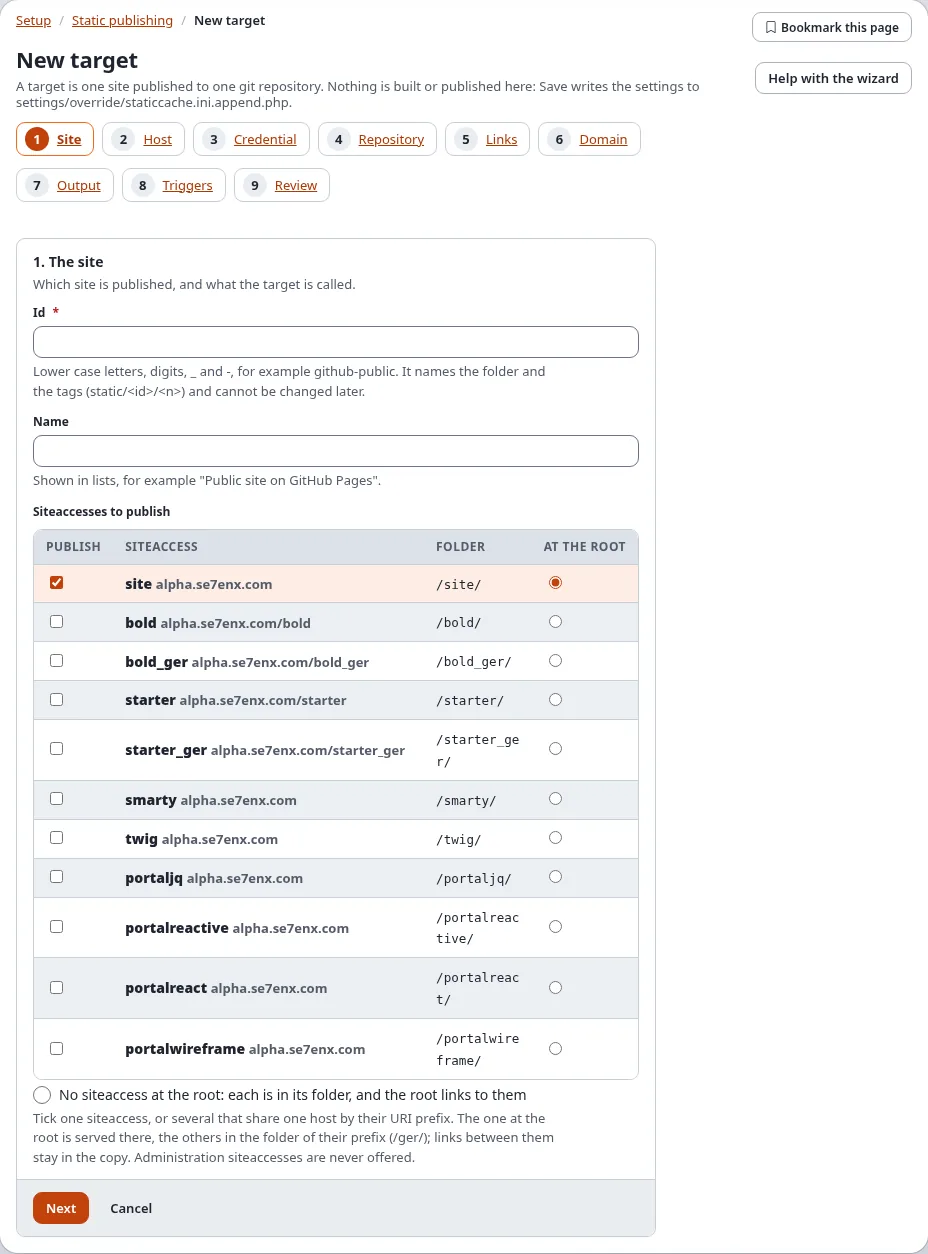
With your own domain, leave the base path empty (custom domains and DNS).
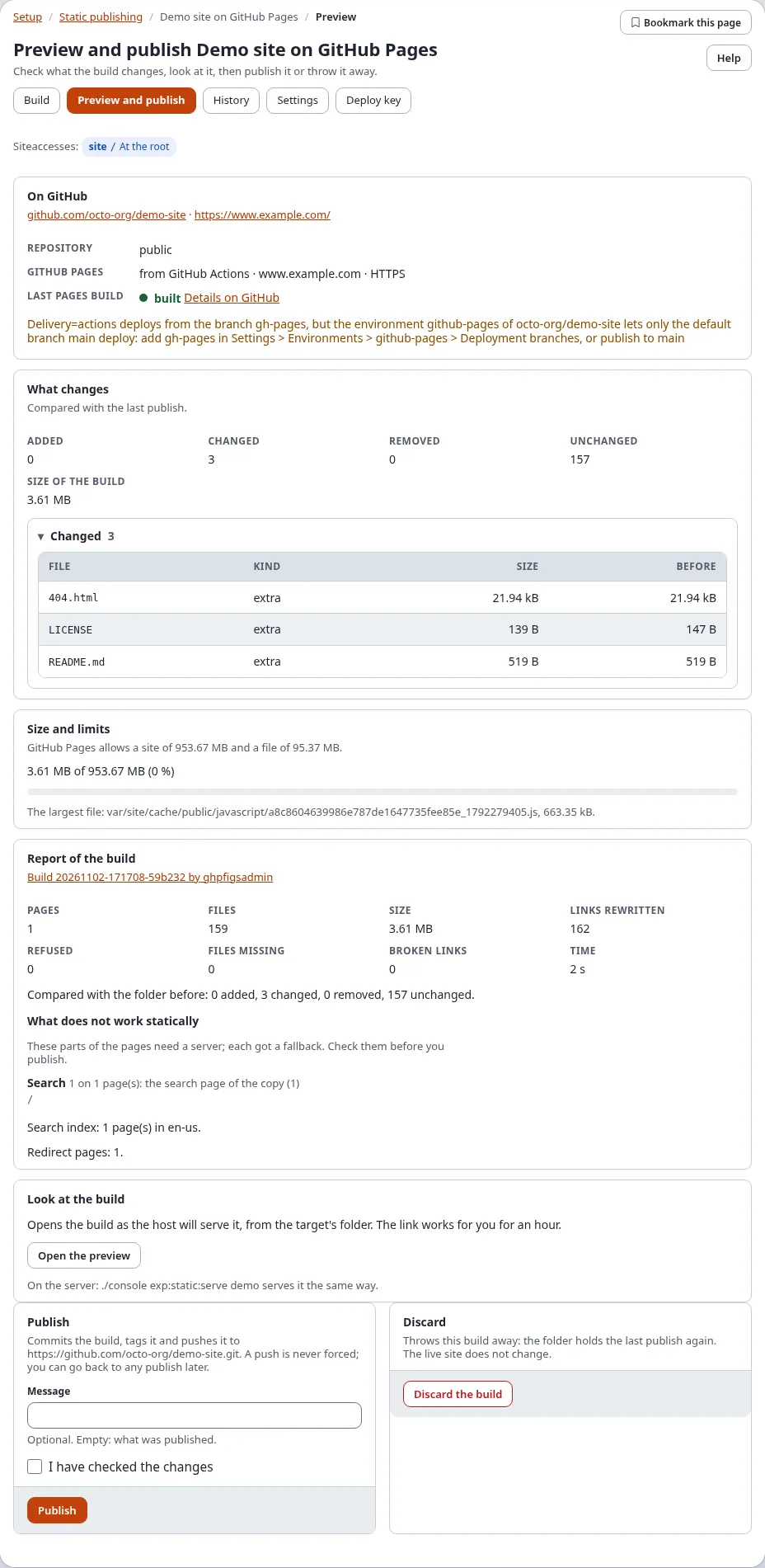
6. Build and compare
./console exp:static:build site-static
./console exp:static:serve site-static --base-path=/
./console exp:static:diff site-static --check-links --mount=/
Open the preview next to the old site. Check every address from step 1, including the old .html ones.
7. Switch
Publish, switch GitHub Pages (or the domain) to the new copy, and check the live address. If something is wrong, switch back: the old site is untouched until you remove it.
Next step
Make a free website in 15 minutes, or Keep private content private before the first push.