A static blog with Exponential
A tutorial for bloggers and the people who set up blogs for them: write posts in Exponential, publish the blog as a free static site on GitHub Pages, and keep its search and its archive pages working.
Guides · Related: Make a free website in 15 minutes, Static publishing: dynamic features
What you'll have at the end
A blog at https://<owner>.github.io/<repository>/ or your own domain, with every post, its archive and list pages,
a search that works in the browser, and new posts published a few minutes after you press Publish.
1. Check what a blog needs
| Part of the blog | On the static copy |
|---|---|
| Posts, images, categories | copied as they are |
List pages with paging (/blog/(offset)/10) | copied: Exponential's view parameters are part of the path |
Pages that only exist with a query string (/blog?page=2) | skipped and reported; use view parameters in the design |
| Search | a search page with an index in the browser (Search=enabled) |
| Comments | a short text with a link to the live post, or left out |
| Login, a contact form | a short text, or the form posts to the live site (Forms=endpoint) |
If comments matter to you, keep them on the live site, or use a comment service that runs in the browser and add it to the design.
2. Make the target
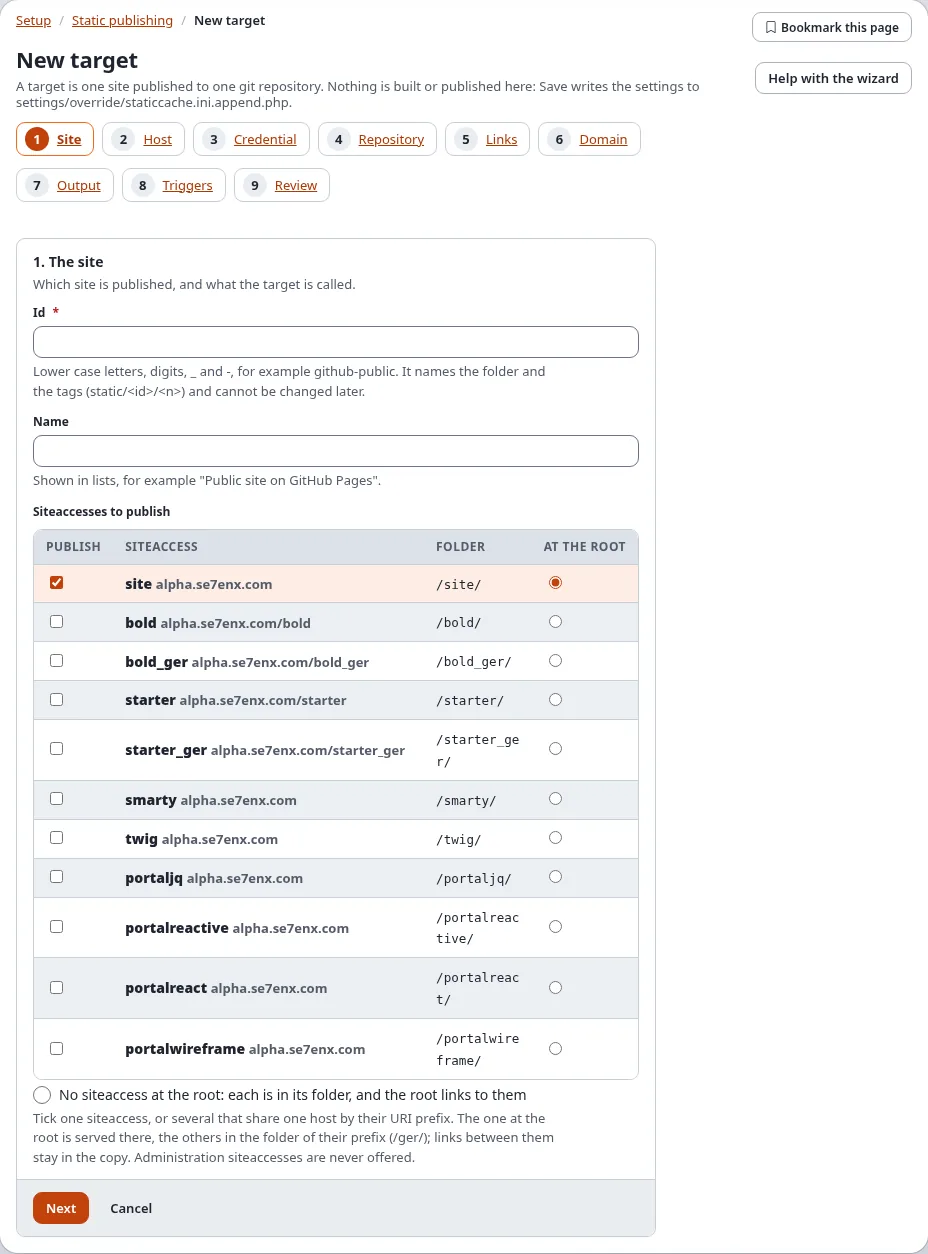
In Setup > Static publishing > New target: the blog's siteaccess, a GitHub repository, a token or deploy key,
relative links and the base path /<repository>/ (or your own domain in step 6).
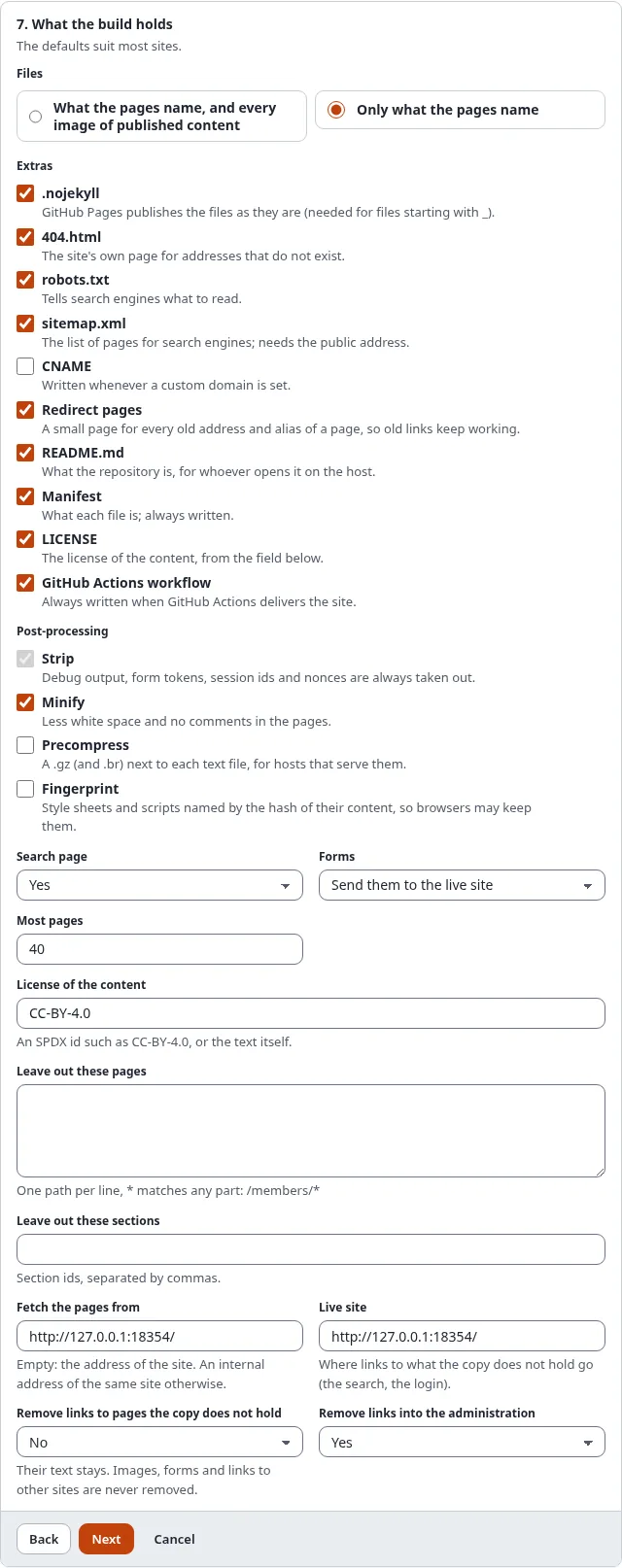
In step 7, What the build holds, switch the search page on. If the blog has a contact form, choose whether it posts to the live site or is hidden (Search, forms and comments).
3. Leave out what is not a post
Tag clouds, the registration and other pages that start a session for anonymous visitors are refused by the build. Leave them out:
ExcludePaths[]
ExcludePaths[]=/user/*
ExcludePaths[]=/tags/*
4. Build and look
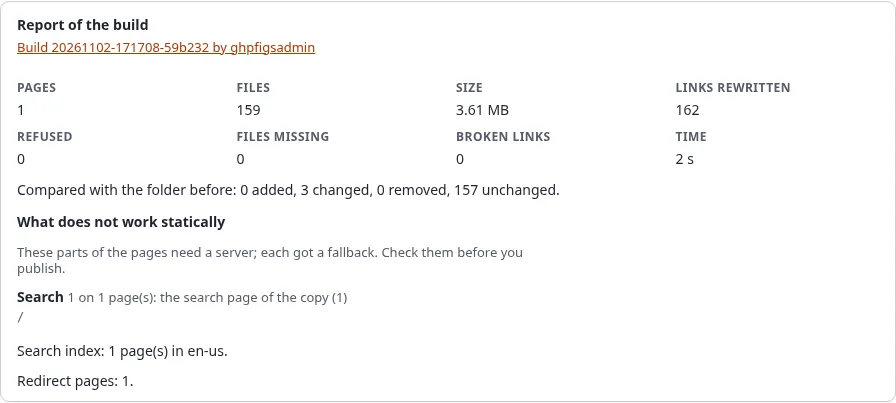
Build, then open Preview. Check a post, a list page with paging and the search page. The report lists what was
replaced (search, forms, comments) as degraded.
5. Publish
Press Publish, then in the repository's Settings > Pages deploy from the branch gh-pages. A few minutes
later the blog is online.
6. New posts publish themselves
In step 8, Triggers, tick When content is published. A new post marks its own page and the list pages that
show it stale; a few minutes after your last change the cronjob part staticpublish builds and publishes them. A
publish that fails is retried, and you get an e-mail if you set Notify on failures.