Change the prefooter in the Layouts editor
The block band above the footer of article and recipe pages ("Most popular articles") is the shared layout Prefooter. Unlike the header menu it is made of real Layouts blocks, so it is changed in the editor. This page adds a fourth article to it.
Contents
- Open the shared layout
- Select the list
- Add an item
- Order the items
- Publish and check
- What else can be changed here
1. Open the shared layout
Layouts > Shared layouts, then the name Prefooter (it shows "2 references": Full / Article and Full / Recipe
link their pre_footer zone to it). The editor opens the layout in a draft.
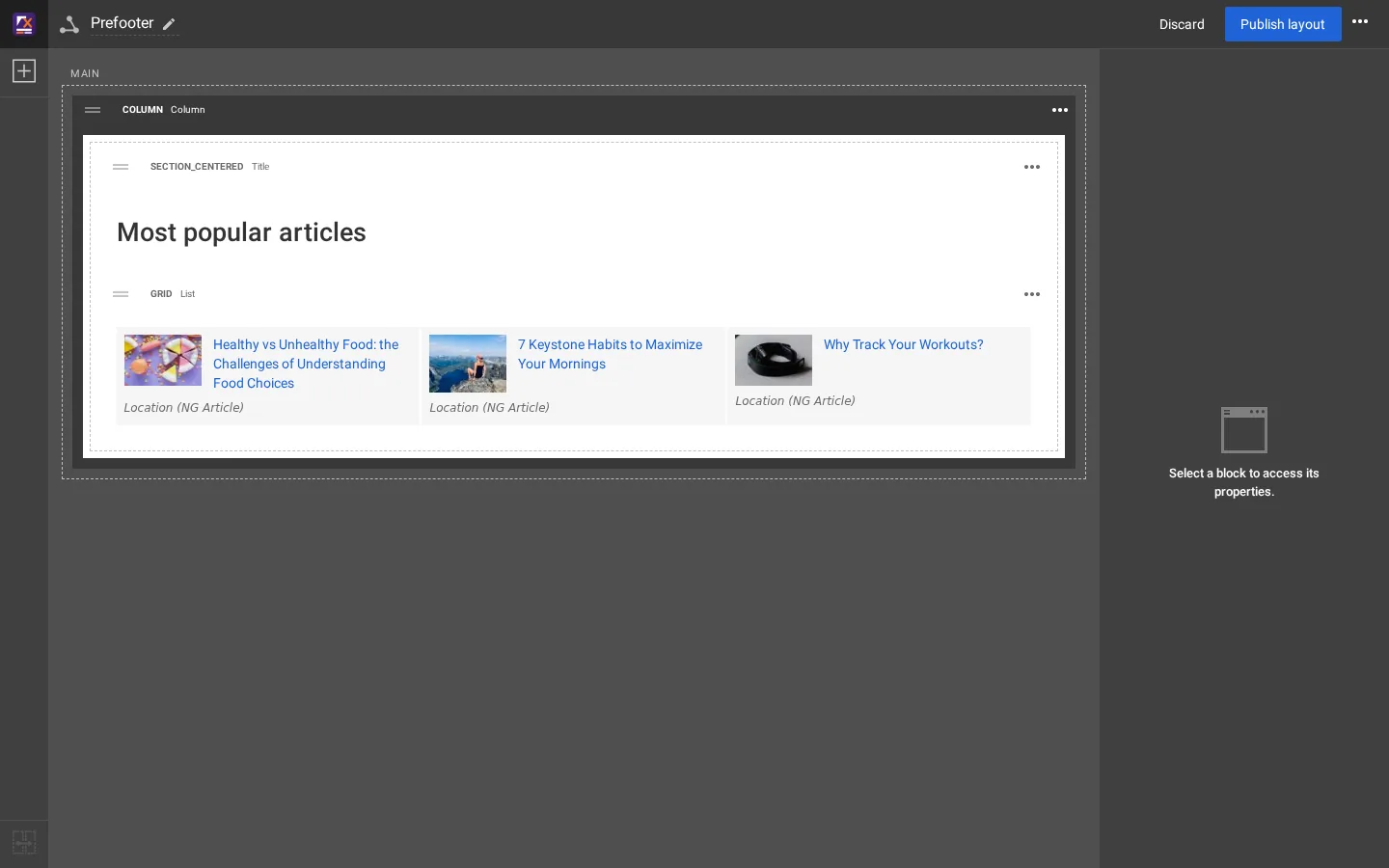
Its zone main holds a Column (background color secondary), and in it a Title (view section_centered,
"Most popular articles") and a List (view grid, 3 columns).
2. Select the list
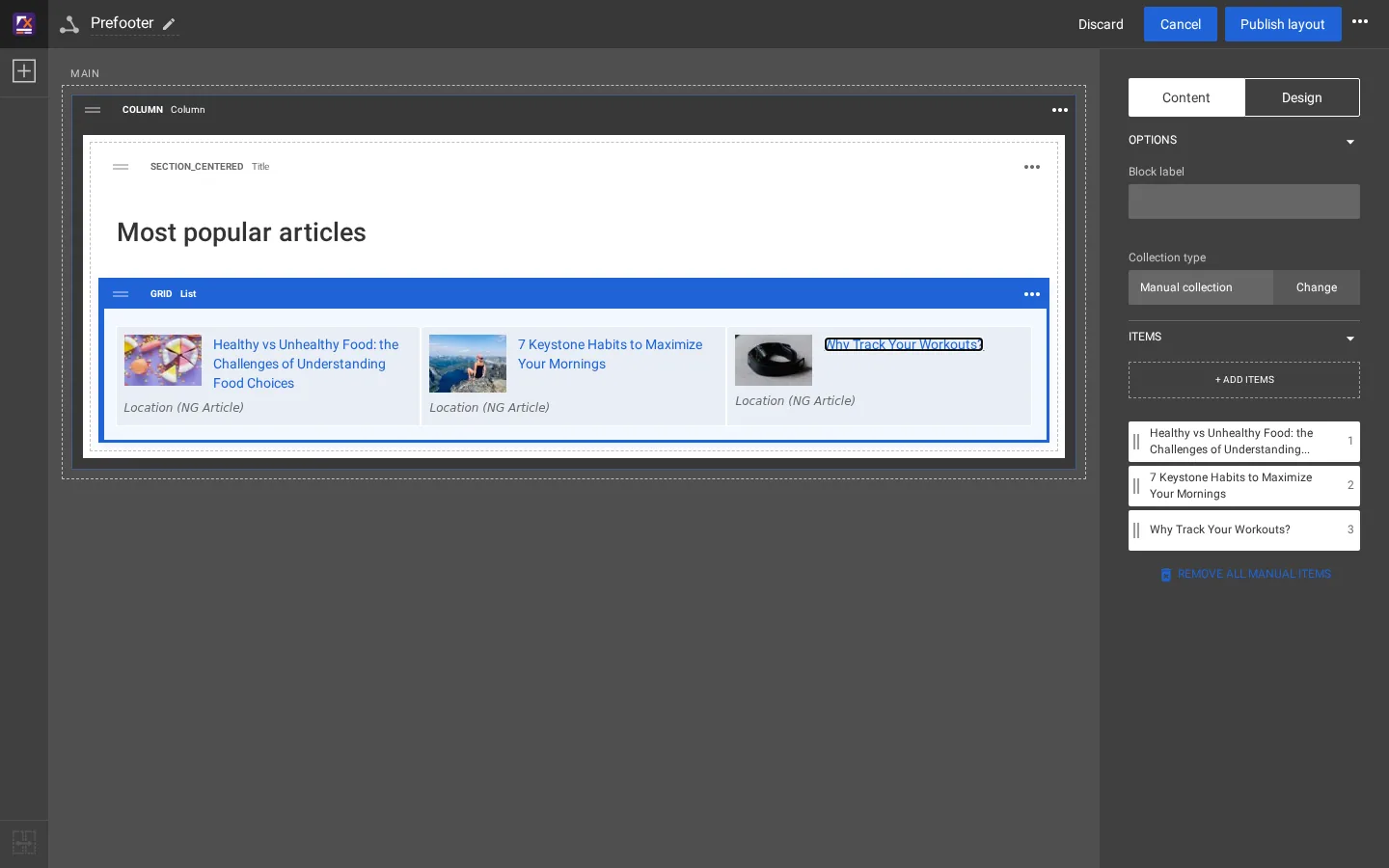
Click the list. The properties panel on the right shows, on the Content tab, the Collection type (Manual collection) and the Items in their order.
3. Add an item
Press + Add items. The Add content to collection window lists the top of the content tree. Open a branch to go down (here Fit & Healthy, then Fitness), tick the article (here Why Should You Choose Strength Training?) and press Add selected.
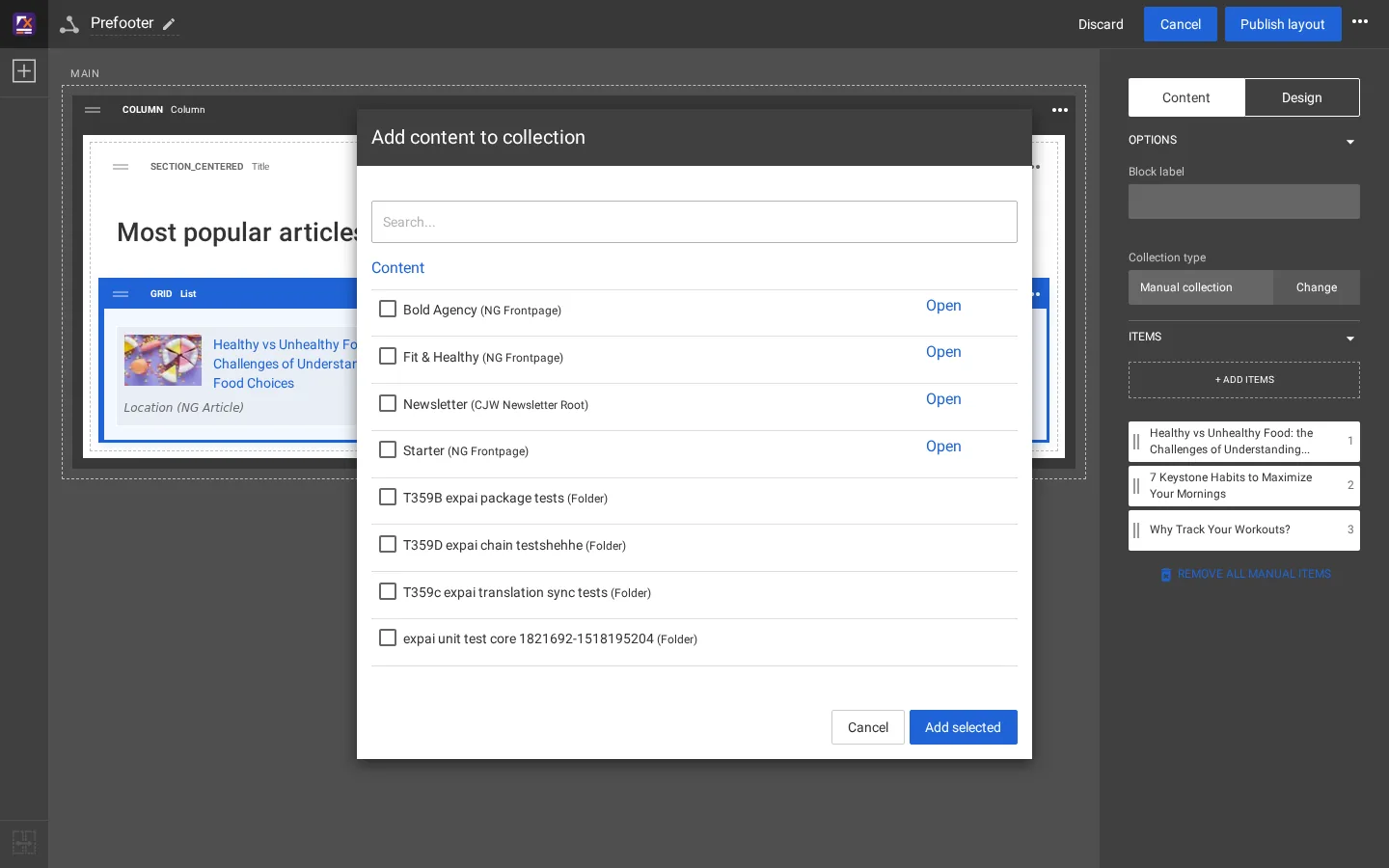
On the test copy the window's search field returned "No content found." for the word tried; browsing the tree always works.
4. Order the items
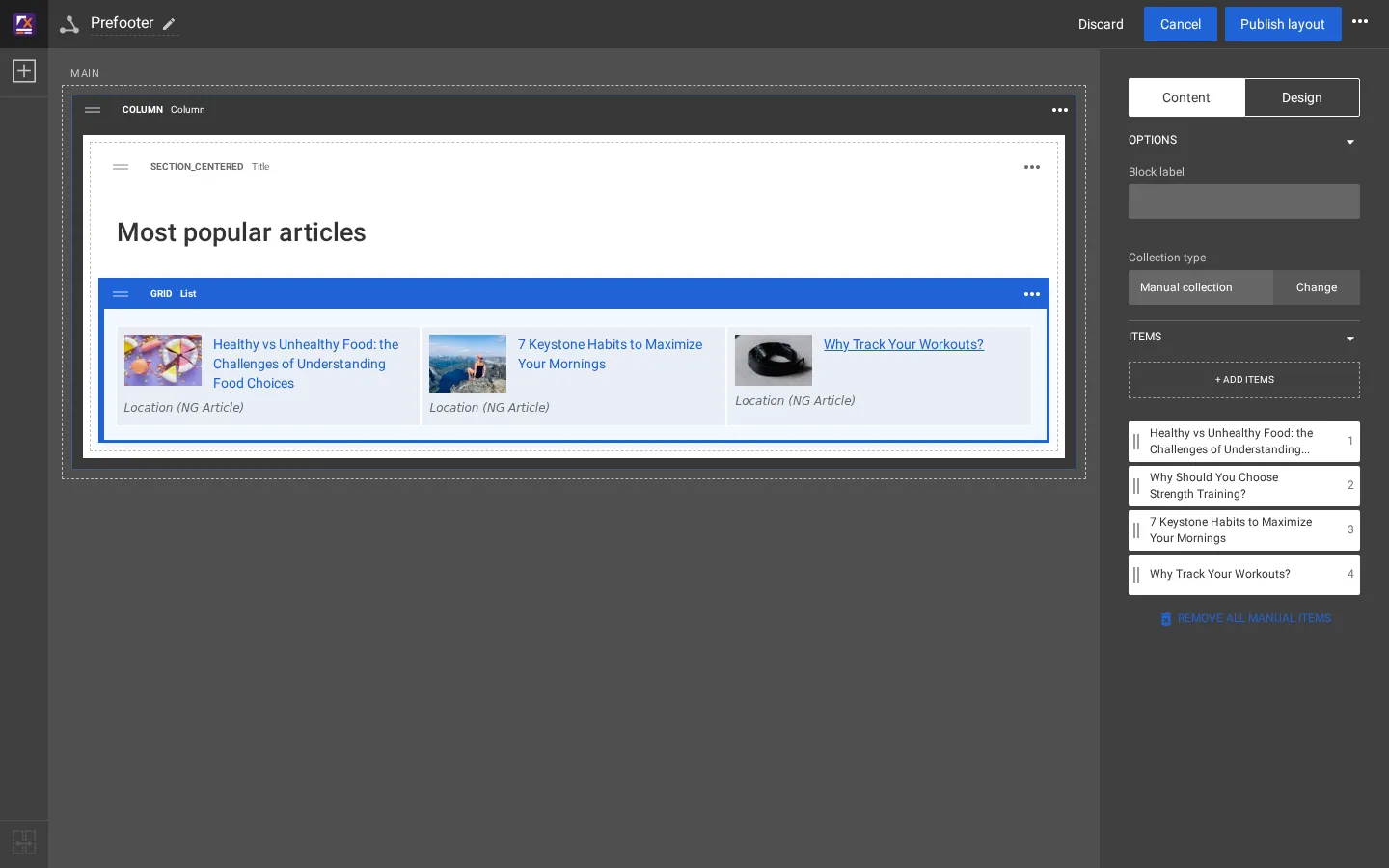
The new item appears in the list of items with its number. Drag the items by their handle to change the order. The middle of the editor shows the block as the site will.
5. Publish and check
Press Publish layout. On the test copy the next request of an article showed the response header X-Exp-Cache: MISS (purged) and the new list, with no cache cleared by hand.

To throw the draft away instead, press Discard.
What else can be changed here
| Change | Where |
|---|---|
| The heading text or its tag | Select the Title, Content tab |
| Grid or list, number of columns, item look | Select the List, Design tab: View type, Item view type, Number of columns |
| Background, spacing, CSS class, container | Design tab of the Column or the List |
| A list that fills itself | Collection type Change > Dynamic collection (Manual and dynamic collections) |
| Show the band on other page types | Link their layouts' pre_footer zone to Prefooter (Shared layouts and zone linking) |
Related pages
- Shared layouts and zone linking
- Manual and dynamic collections
- The Layouts editor, a tour
- Free documentation: this page is free to copy, translate and improve under the GNU FDL 1.3.
Become an Exponential Partner
Partners share their information, provide funding, contribute back and develop the products with us, and that is how Exponential grows. A partner website and dashboard are planned for mid-2027: please become a partner today to speed up our growth rate and land new features faster.