Versions and releases of your extension
This page is for application creators who publish releases. The rules are those Exponential's own extensions follow; they keep installations able to tell which code they run.
Contents
A published version is permanent
A tag pushed to a public repository, and the Packagist version made from it, cannot be corrected: installations that resolved it keep its contents. Never move, delete or re-cut a published tag; when a release is wrong, publish the next one and say in its notes what was wrong with the previous.
Choosing the number
- List what is published first:
git fetch --tags,git tag -l 'v*' --sort=version:refname | tail -5, and the releases on the repository host. A plain lexical sort puts1.0.10before1.0.9; always sort by version. - Only the last position counts on for fixes:
1.0.9is followed by1.0.10. - A change of behavior or API that others build on gets a higher position, as decided by the maintainer.
The release, step by step
- Working tree clean, tests pass (Testing applications).
- Bump the version in
ezinfo.php('Version' => "1.0.10"),extension.xml(<version>1.0.10</version>), and any other version field the repository keeps, in one commit. - Write the release notes (changelog).
- Tag that commit with an annotated tag (
v1.0.10) and push the tag. - Create the release on the repository host with the notes.
- Check Packagist shows the version (Composer packages and Packagist).
- Installations update their constraint and the about page (
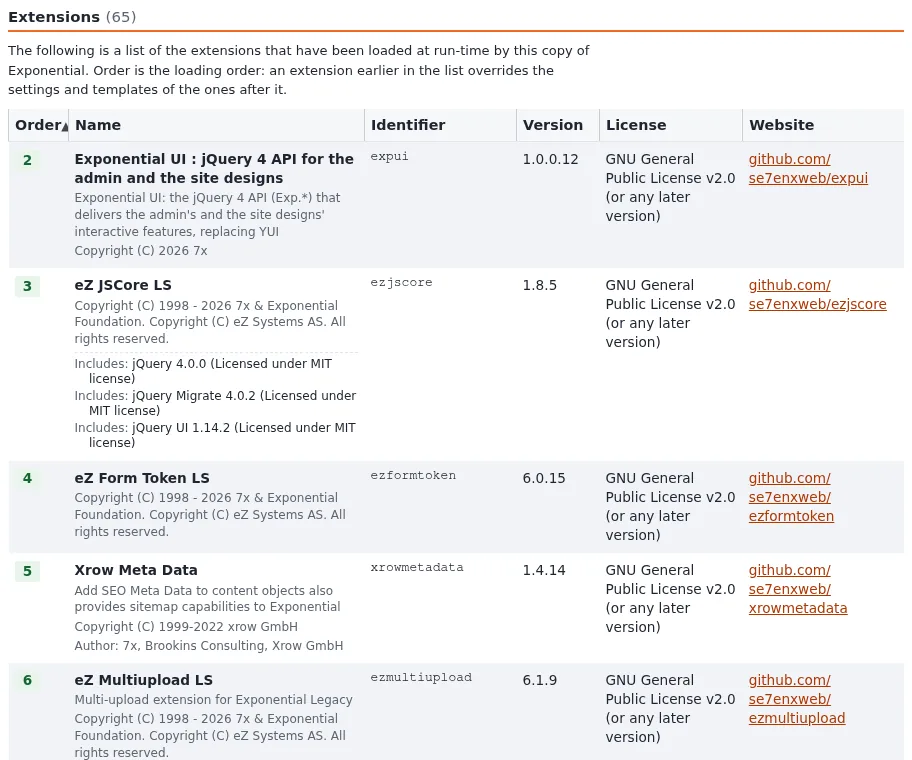
/ezinfo/about) shows the new number.
Never tag first and bump afterwards: the tag would carry the old number forever.
Release notes
Group changes under Added, Updated, Removed, Renamed (the categories the kernel's changelogs use), say what a site must do (new settings, schema steps, cron lines), and name breaking changes plainly.
Related pages
- Packaging your application as an extension
- Source control and releases standard
- Compatibility, releases and deployment
- Free documentation: this page is free to copy, translate and improve under the GNU FDL 1.3.
Become an Exponential Partner
Partners share their information, provide funding, contribute back and develop the products with us, and that is how Exponential grows. A partner website and dashboard are planned for mid-2027: please become a partner today to speed up our growth rate and land new features faster.