Workflows, triggers and events
This page is for application creators who run their own logic when something happens: before content is published, after a user registers, at checkout. Exponential offers two mechanisms: workflows (configured by administrators, built from event types) and kernel event listeners (code). The administrator's guide is Workflows.
Contents
- The pieces
- Operations you can hook
- How a process runs
- Workflow or event listener?
- Setting it up for an application
The pieces
| Term | What |
|---|---|
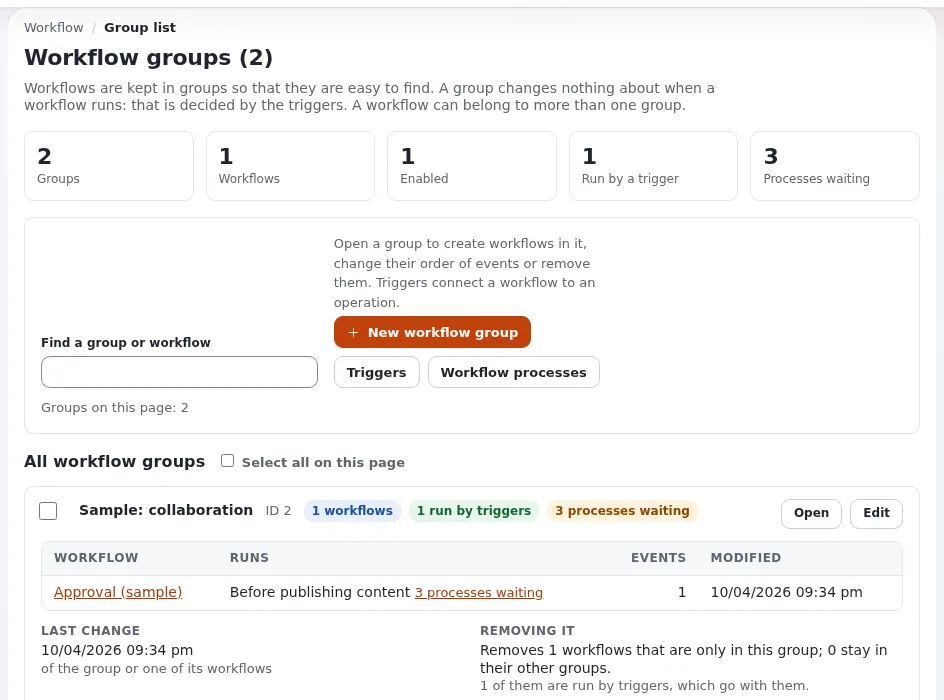
| Workflow | a named list of events, in a workflow group (Setup > Workflows) |
| Event type | a class that does one step: approve, wait until date, multiplexer, payment gateway, simple shipping, finish user register, and those of extensions |
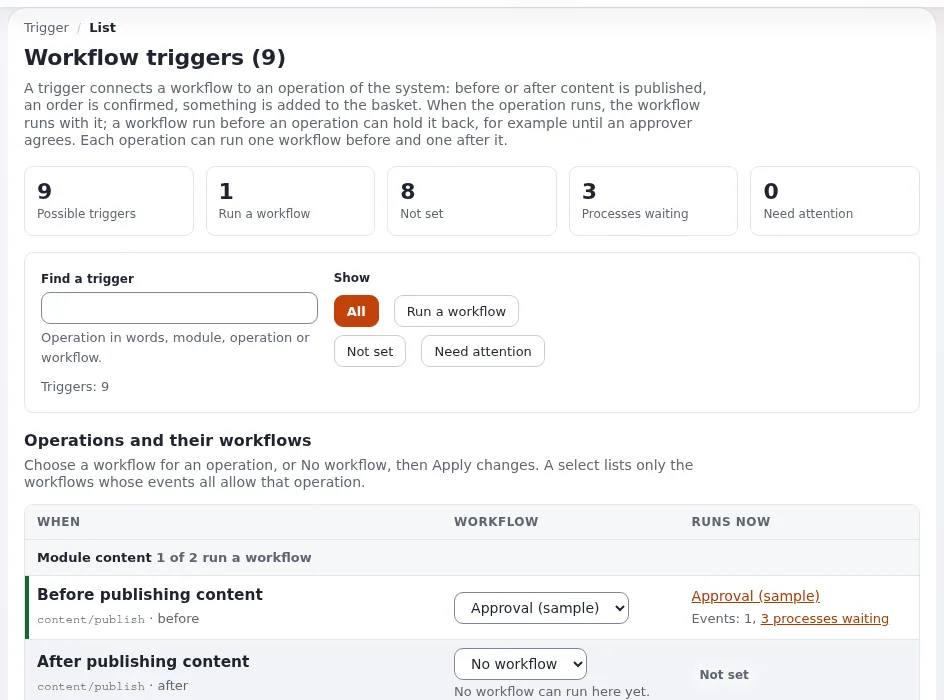
| Trigger | connects a workflow to an operation, before or after it (Setup > Triggers) |
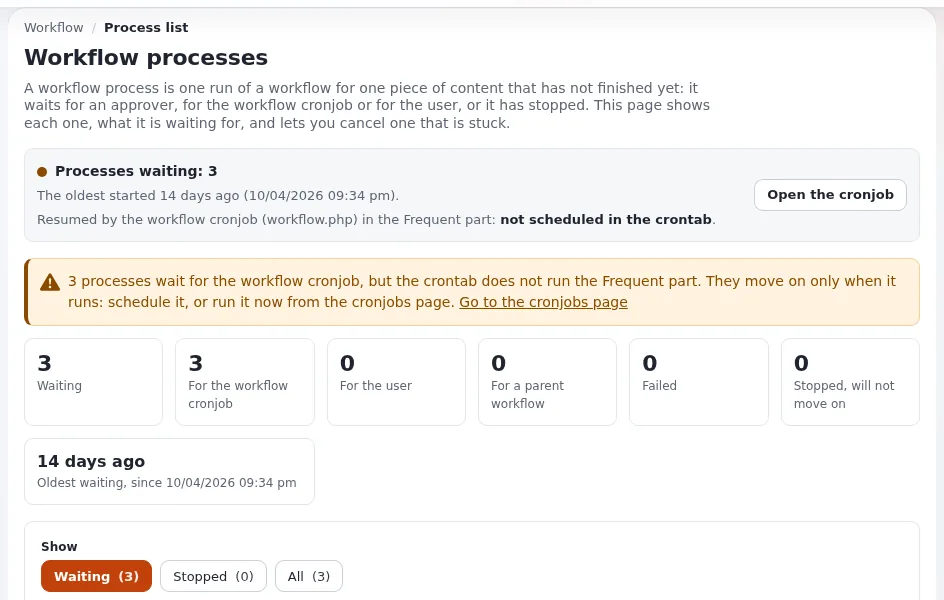
| Process | one run of a workflow for one object and version, kept while it waits |
Operations you can hook
settings/workflow.ini [OperationSettings] AvailableOperationList[] lists the operations that offer triggers. Shipped
active: content_publish, before_shop_confirmorder, shop_checkout, shop_addtobasket, shop_updatebasket. More are
listed commented out (content_move, content_hide, content_delete, content_updatesection, content_read,
content_updateobjectstate, user_activation, user_password ...); enable one in an override to use it.
How a process runs
- The operation reaches its trigger and starts the workflow.
- Each event's
execute()returns a status: accepted (go on), rejected (stop the operation), deferred to cron (wait), fetch template (show a page), redirect, cancelled. - A deferred process is run again by the
workflow.phpcronjob (partfrequent); without it, waiting content never publishes. - When the last event accepts, the held-back operation finishes.
Waiting processes are listed in Setup > Workflow processes (/workflow/processlist).
Workflow or event listener?
| Use a workflow when | Use a kernel event listener when |
|---|---|
| administrators should switch it on and off, or order steps | the behavior is always part of your application |
| the step may wait (approval, payment, a date) | it must run synchronously and never wait |
| it is tied to one of the trigger operations | the event has no trigger (a site.ini [Event] Listeners[] event) |
Kernel events and filter events are listed in Extension points; filter listeners must return the value they receive. See also the event hook pattern.
Setting it up for an application
- Write the event type (Writing a workflow event type).
- Ship a setup step or instructions: create the workflow, add the event, connect the trigger.
- Make sure the
frequentcron part runs if any event defers to cron. - Test publish with and without the workflow; test cancel in Setup > Workflow processes.
Related pages
- Writing a workflow event type
- Object states
- Workflow event pattern
- Free documentation: this page is free to copy, translate and improve under the GNU FDL 1.3.
Become an Exponential Partner
Partners share their information, provide funding, contribute back and develop the products with us, and that is how Exponential grows. A partner website and dashboard are planned for mid-2027: please become a partner today to speed up our growth rate and land new features faster.