Performance and caching for websites
This page is for website creators who want fast pages. Exponential caches at many levels; most of them are on by default. This page shows the layers, the levers in order of effect, and how to measure (10.12 Performance tuning).
Contents
- The layers
- The levers, in order of effect
- Measure
- Templates that stay fast
- Clearing caches in the right order
The layers
| Layer | What it keeps | Read |
|---|---|---|
| Browser, proxy, CDN | pages and static files, when headers allow | HTTP caching, proxies and CDNs |
| Velocity response cache | whole public pages, answered without PHP | Static cache and the Velocity response cache |
| Content view cache | the rendered main area of each page | View cache and cache blocks |
| Template block cache | {cache-block} output: menus, footers | same |
| Compiled templates | .tpl compiled to PHP | |
| OPcache | compiled PHP | 10.12 |
| SQL query cache | query results, optional | SQL query cache |
The levers, in order of effect
From the installation book:
- Serve with Velocity and its response cache; persistent workers keep the application warm.
- Keep the content view cache and the template block cache on (
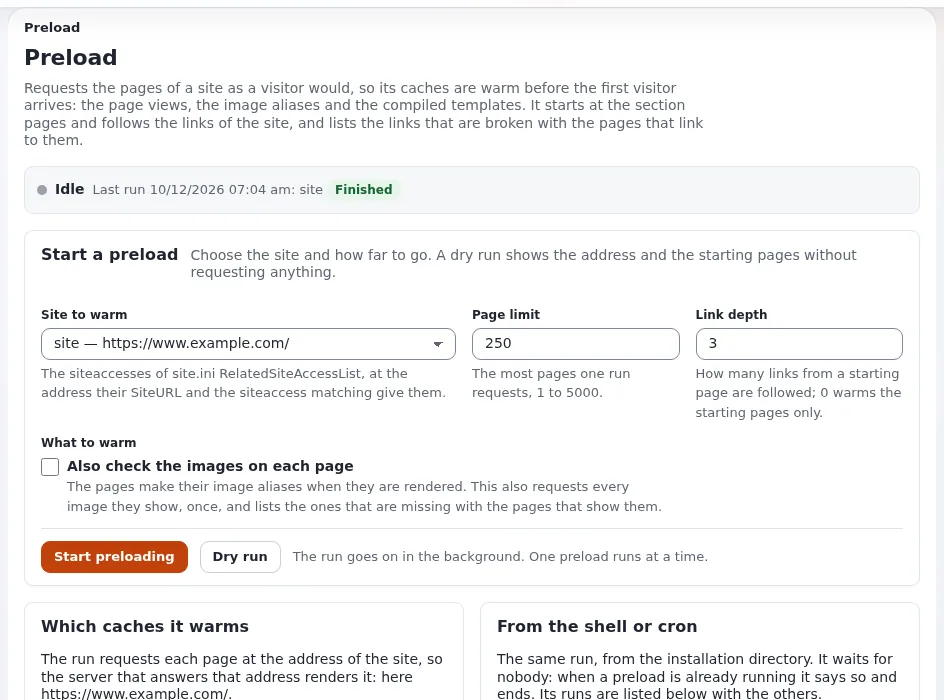
[ContentSettings] ViewCaching=enabled,[TemplateSettings] TemplateCache=enabled, both shipped). Warm the site after a full clear withphp bin/php/warm.php --allow-root-user. - OPcache.
- APCu for the response cache's memory tier and the shared query cache.
- The SQL query cache (
querycache.ini), measured on your site. - The database itself (Databases).
Leave the static cache off (StaticCache=disabled, the shipped value); the response cache gives visitors the same
benefit without slowing down publishing.
Measure
php bin/php/console exp:benchmark --save=var/benchmark/base.json --allow-root-user
# change something
php bin/php/console exp:benchmark --baseline=var/benchmark/base.json --threshold=15 --allow-root-user
It prints median, p90 and p99 per page. Compare runs on the same machine, back to back (Benchmarking). Measure also in the browser: image sizes, number of requests and layout shifts often matter more than server time.
Templates that stay fast
- Fetch only what you show:
limit,class_filter_array,load_data_mapwhere offered. - No fetch of a whole subtree in the pagelayout without a cache block.
- Cache blocks keyed by exactly what the output depends on.
- Images in the right alias size, with
width,heightandloading="lazy"(Images and image variations). - Stylesheets and scripts through the packer (Stylesheets and scripts).
Clearing caches in the right order
A page rendered by old code between a cache clear and a PHP reload is cached again. So: INI and template caches, then
reload PHP and restart Velocity, and only then the content, template-block and response caches. Under Velocity
exp:velocity deploy does this in order (The order after a code change).
| You changed | Clear |
|---|---|
| a setting | --clear-tag=ini |
| a template | --clear-tag=template |
| a new template or override rule | --clear-id=template-override,design_base |
| a stylesheet or script | --clear-id=ezjscore-packer,template-block, then the Velocity cache |
| content looks stale | --clear-tag=content |
Related pages
- View cache and cache blocks
- Caches
- Profiling and performance
- Free documentation: this page is free to copy, translate and improve under the GNU FDL 1.3.
Become an Exponential Partner
Partners share their information, provide funding, contribute back and develop the products with us, and that is how Exponential grows. A partner website and dashboard are planned for mid-2027: please become a partner today to speed up our growth rate and land new features faster.